🍌 Nano Banana 3D模型教學(送提示詞)🆓
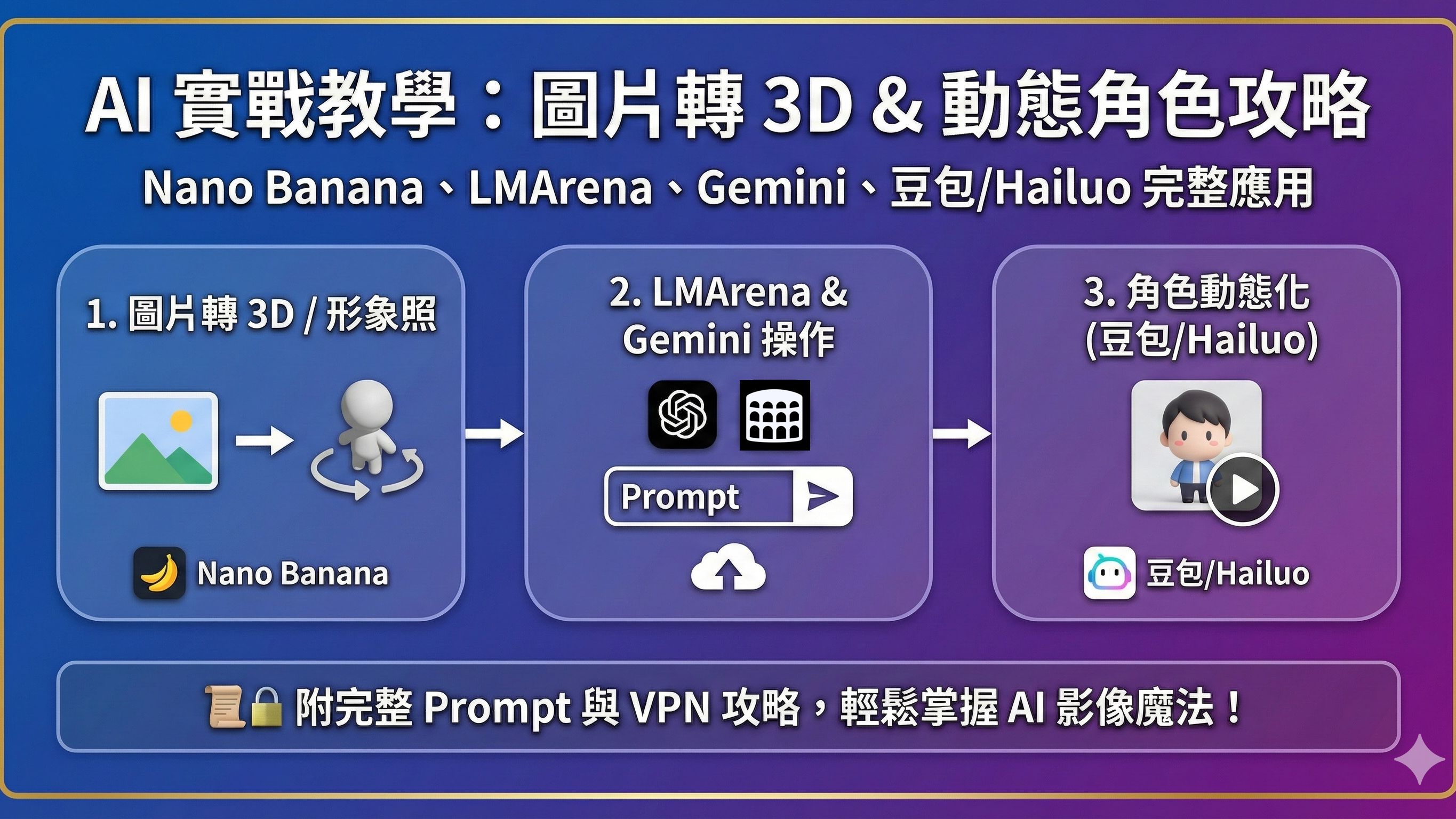
⚡ 流程:
- LMArena/Gemini: Nano Banana → 先出 figure 靜態圖
- 豆包 / Hailuo → 變成動態
1. LMArena(免VPN,可試Nano Banana)
步驟:
- 打開 LMArena 網站:https://lmarena.ai/
- 點圖片Icon(Generate Image)
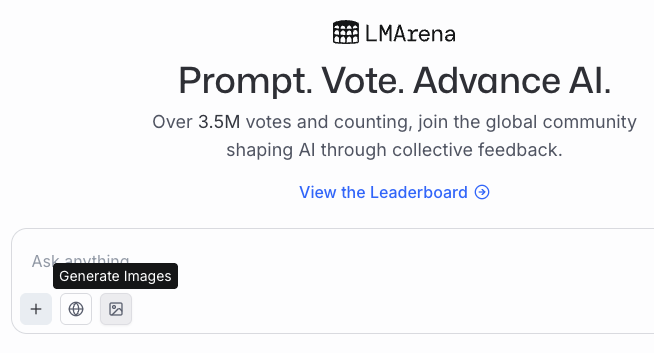
- 點加號上傳圖片(Upload Image)作為參考圖
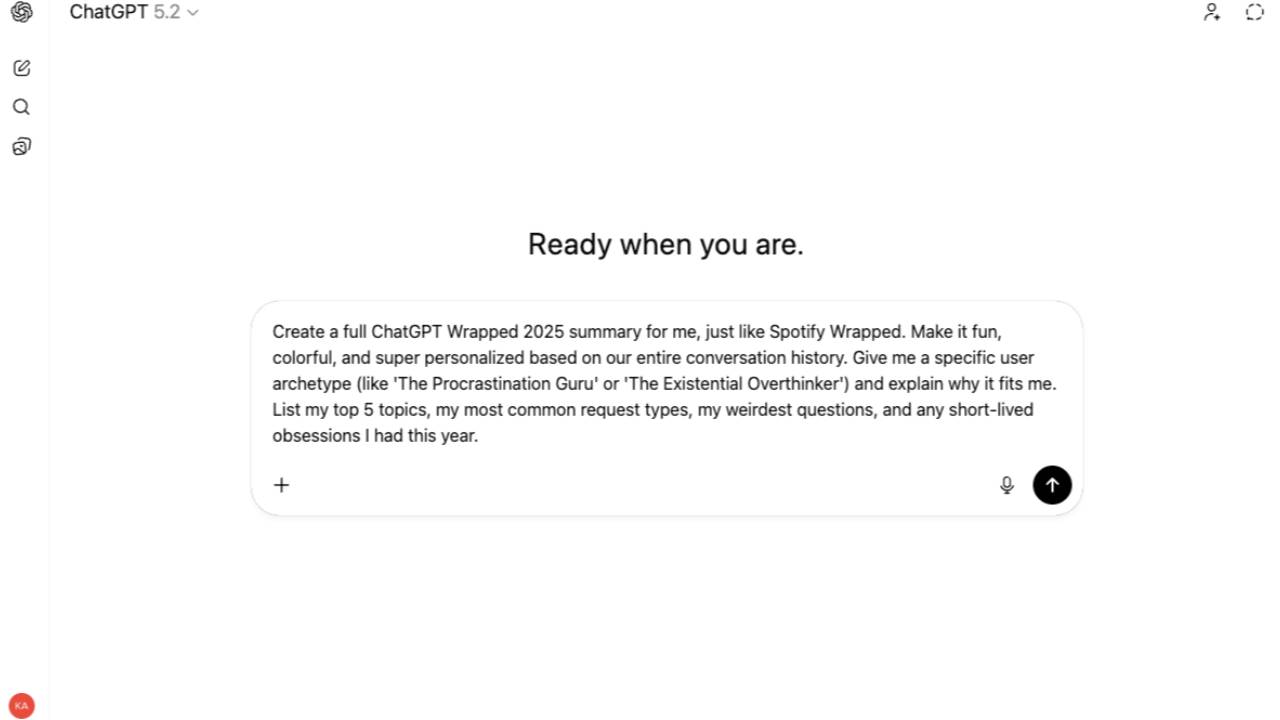
- 貼上提示詞
3D模型提示詞(Prompt):
Use the nano-banana model to create a 1/7 scale commercialized figure of the character in the illustration, in a realistic style and environment. Place the figure on a computer desk, using a circular transparent acrylic base without any text.On the computer screen, display the ZBrush modeling process of the figure. Next to the computer screen, place a BANDAI-style toy packaging box printedwith the original artwork.
專業相提示詞(Prompt):
Use the nano-banana model to transform the model into a professional LinkedIn half-body profile picture. The model is wearing a white blazer, with a clean light grey background. Studio-quality portrait photography, shot with a Canon EOS R5 and 85mm f/1.4 lens. Soft key lighting from the front with subtle fill light, creating natural shadows and depth. Hair styling should remain close to the original look, smooth and neat. High-resolution, elegant and polished retouching, confident and approachable expression. Professional corporate portrait style, suitable for LinkedIn.
特點:
- 可以直接使用 Nano-Banana model
- 有時會用到其他 image model,但大部分都能生成到近似效果
- 不需要VPN,香港可以直接上
2. Google Gemini(要VPN)
網址:https://gemini.google.com/app
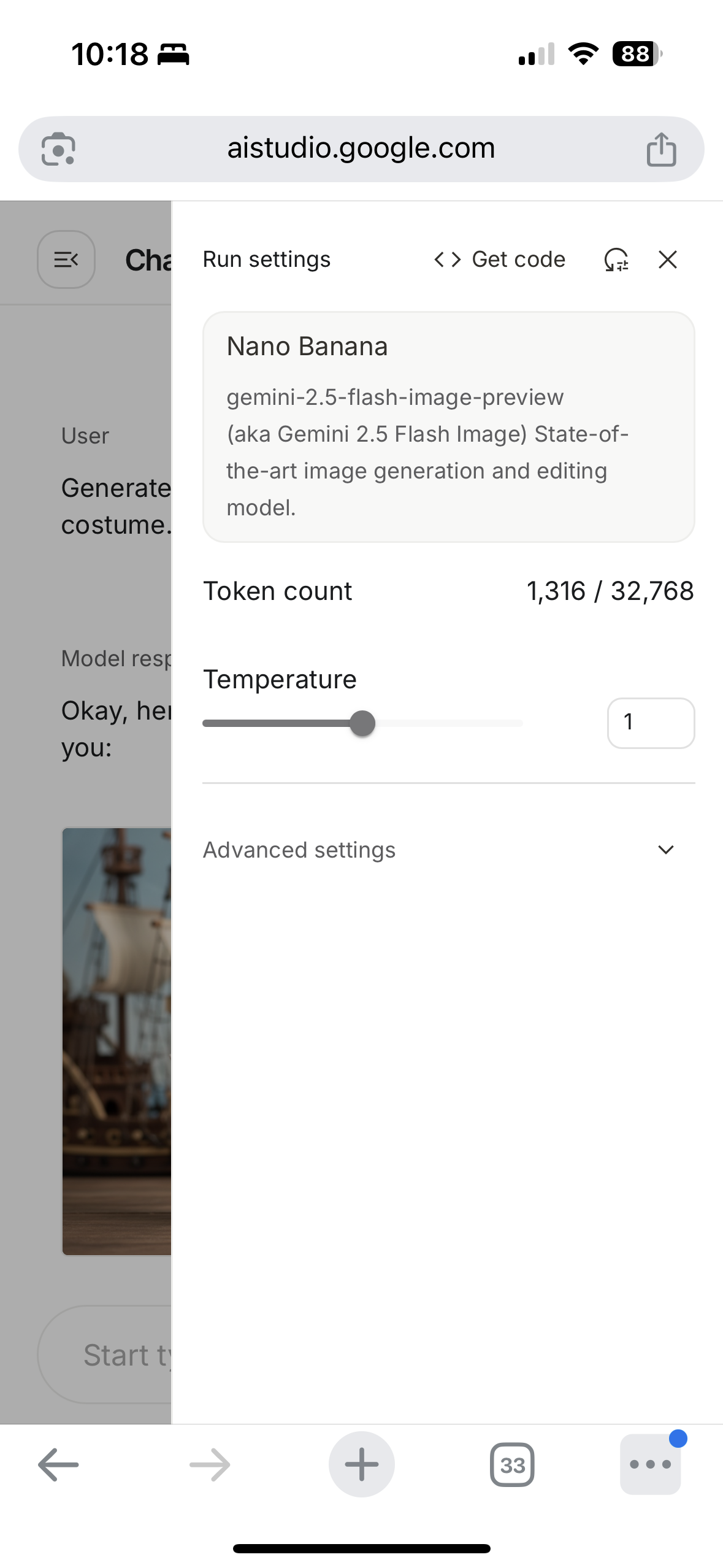
或 https://aistudio.google.com/
VPN 推薦:https://surfshark.club/friend/EMrm2faK
特點:
- Gemini 支援多模態,可以理解圖片再生成
- 要配合 VPN(香港用戶需要翻牆)
步驟:
- 開啟 VPN(建議選台灣)
- 打開 Gemini 網頁:https://gemini.google.com/app
- 登入 Google 帳號
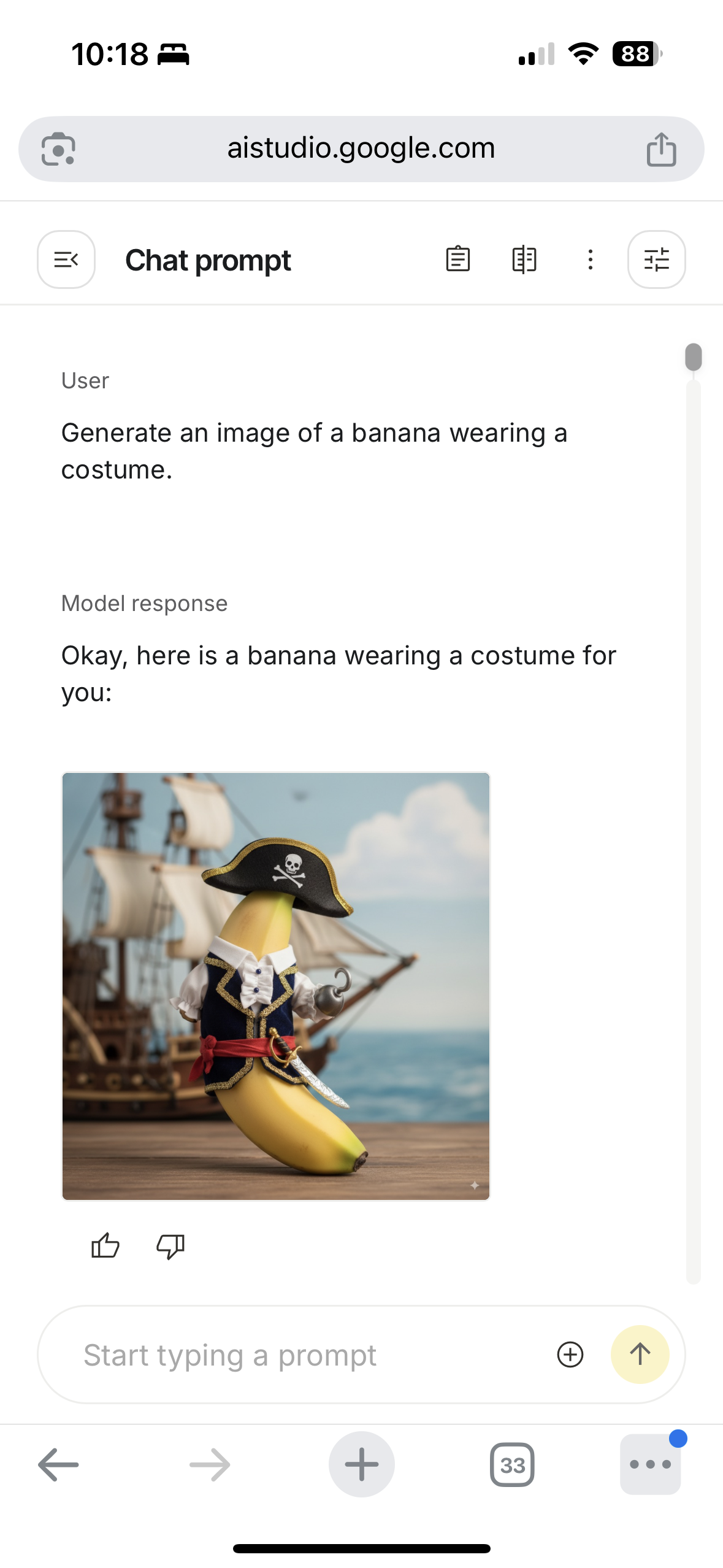
- 點Tool選擇 🍌 Create Image 功能
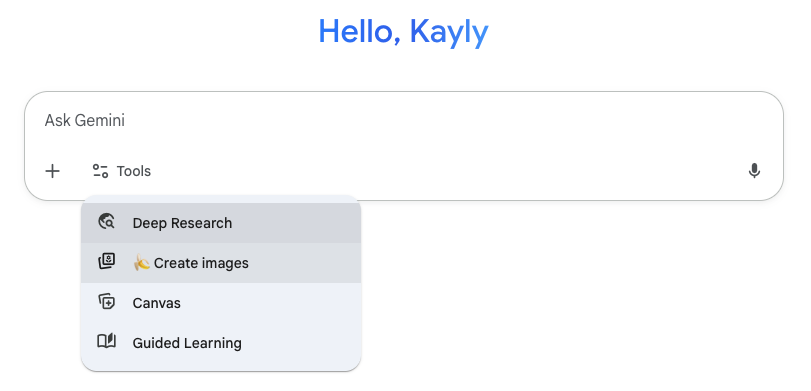
- 點加號上傳圖片(Upload Image)作為參考圖再貼上提示詞。
3D模型提示詞(Prompt):
Create a 1/7 scale commercialized figure of the character in the illustration, in a realistic style and environment. Place the figure on a computer desk, using a circular transparent acrylic base without any text.On the computer screen, display the ZBrush modeling process of the figure. Next to the computer screen, place a BANDAI-style toy packaging box printedwith the original artwork.
專業相提示詞(Prompt):
Transform the model into a professional LinkedIn half-body profile picture. The model is wearing a white blazer, with a clean light grey background. Studio-quality portrait photography, shot with a Canon EOS R5 and 85mm f/1.4 lens. Soft key lighting from the front with subtle fill light, creating natural shadows and depth. Hair styling should remain close to the original look, smooth and neat. High-resolution, elegant and polished retouching, confident and approachable expression. Professional corporate portrait style, suitable for LinkedIn.
- 或 https://aistudio.google.com/
- 選 Nano banana
3. 動態化(整郁佢)工具列表
🆓 免費
- 豆包: https://www.doubao.com/
- 優點:簡單,免費直接用
- 用法:上傳靜態圖,選「動畫化角色」功能
- 缺點:動作有限
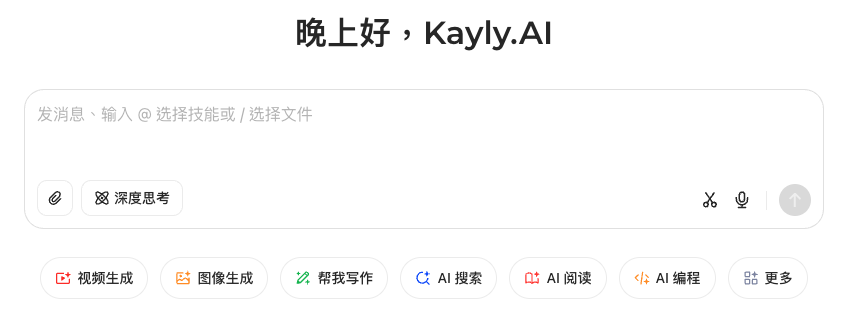
- 步驟:
- 登入後點左下角視頻生成
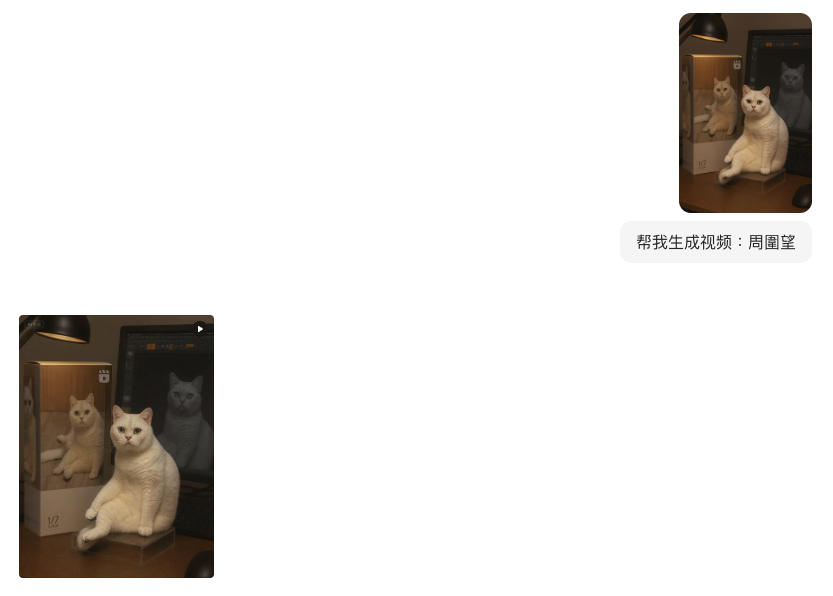
- 上傳圖片並隨便打句提示詞如:周圍望
- 登入後點左下角視頻生成
- Hailuo: https://hailuoai.video/
- 優點:免費限額,有不同動態模組(表情 / 手勢 / 簡單動畫)
- 缺點:生成速度偏慢
- Hailuo影片生成筆記:Notion Link
💰 付費
- MidJourney: https://www.midjourney.com/explore
- 優點:靜態圖質感最強,可以生成角色 figure 設計稿
- 缺點:要錢
- MidJourney影片生成筆記:Notion Link
- Veo3(Google 出品,要VPN): https://gemini.google.com/
- 優點:影片質感最好,可以把靜態角色做成短片
- 缺點:要錢 + 要VPN
04. AI 媒體生成 (免費/付費工具)
🎨 拆解 Viral Post 生成方法,下個爆 Like 就係你!
唔識打 Prompt 都可以生成品牌圖片?教你獨家 Prompt-to-Prompt 大法!🔥
實戰比拼 Midjourney 等 5 大熱門工具,精準掌握參數設定,將「創意」快速轉化為「收入」。
📚 購買即送:學習筆記、Prompt 模板、爆款圖片/影片 SOP。
立即報名!將「創意」轉化為「收入」🚀
了解詳情